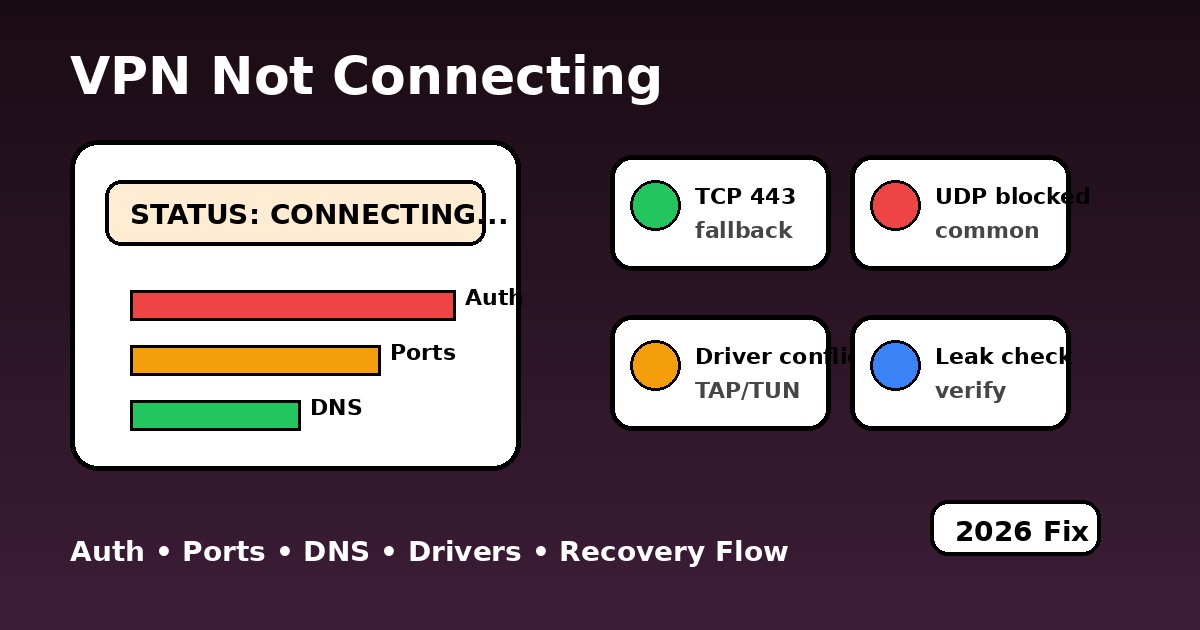
VPN Not Connecting (2026): Fix Stuck Connecting, Auth Errors and Instant Disconnects
Connection failures are where trust in a VPN brand is won or lost. A user taps Connect, waits through a spinning wheel, and gets nothing. Sometimes the app keeps hanging on handshake. Sometimes it authenticates but never finishes tunnel setup. Sometimes it connects for one second and drops because security software kills the adapter. This guide treats the problem like a forensic chain instead of a guessing game.
Use diagnostic tools before reinstalling the VPN app
A VPN app can say “connected” while traffic is still broken. Start with the leak test if the tunnel connects but websites act strange. Use the speed test when pages load but feel dead. Use the streaming diagnostic only when the connection works but one streaming app still fails.
Why a VPN gets stuck on connecting or authenticating
The connection process has several checkpoints. First the client resolves the server hostname. Then it opens a transport path such as UDP 51820 for WireGuard or TCP/UDP 1194 for OpenVPN. After that comes key exchange, authentication, interface creation, route injection, and DNS assignment. If time is wrong on the device, tokens may appear expired. If the network blocks UDP, the handshake stalls. If the tunnel interface conflicts with an old driver, the app may show a fake "connected" flash and instantly collapse. That is why error codes matter more than generic app messages.
If you are on Windows, old TAP/TUN adapters remain one of the noisiest failure points. Newer apps often install Wintun or their own virtual interface, but remnants from old OpenVPN packages, antivirus web shields, or "network accelerators" can hijack routes. Before chasing exotic fixes, confirm the basics with our VPN setup guide, then compare protocol behavior in WireGuard vs NordLynx and the broader protocol comparison.
| What you see | Most likely cause | Best first move | Where to go next |
|---|---|---|---|
| Stuck on Connecting | UDP blocked, dead route, or restrictive Wi-Fi policy | Switch to OpenVPN TCP 443 or a stealth profile | Restricted networks |
| Stuck on Authenticating | Expired token, wrong password, session/device cap, wrong clock | Re-login and verify account/session state | VPN troubleshooting |
| Connects then drops | TAP/Wintun conflict, antivirus, or firewall route kill | Disable inspection layers and repair adapter | VPN on Windows |
| Connects but sites still fail | DNS leak, captive portal residue, or split-route issue | Flush DNS, retest leaks, then reconnect | DNS leak protection |
VPN connection status simulator: identify the failure stage
Choose the failure stage you see in the app. The simulator turns the vague UI state into a likely cause, urgency level, and a short recovery path.
Credential or token rejection
The server can be reached, but your session cannot open the tunnel because the account token, password, or device quota is wrong.
- Re-enter password or refresh login token.
- Check how many active sessions your account already uses.
- Confirm system time and time zone are correct.
Which VPN protocol works when networks block UDP?
Not every country or network fails for the same reason. Some block standard WireGuard fingerprints. Some allow VPNs until traffic patterns look like VoIP or foreign streaming. Corporate and school networks often do not "ban VPNs" in a dramatic sense - they just close UDP and force web traffic over 443. The map below is a practical routing guide, not a fantasy list.
China: protocol fingerprinting is the main enemy
Standard VPN handshakes are often degraded or interrupted. Endless connecting usually means the path is visible, but the handshake profile is getting filtered.
- Best path: VLESS/Reality or Shadowsocks-style obfuscation.
- Fallback: stealth TCP 443 when direct UDP dies.
- What the user sees: connect spinner, no full tunnel.
Which ports should you test when a VPN will not connect?
If the wrong port is blocked, the app can look broken even when the server is fine. This is common on hotel Wi-Fi, office guest networks, campus networks, and some mobile carriers. Test the "virtual doors" below to understand why switching from WireGuard to OpenVPN TCP 443 often revives a dead connection.
Common VPN connection errors and first fixes
This is the short version you want when the app is already annoying you. If a symptom looks familiar, apply the 30-second fix first. Then, only if it fails, go deeper into DNS leak protection, encryption basics, or security basics.
| Code / symptom | What it means | Fast fix (30 sec) | Priority |
|---|---|---|---|
| TLS Handshake Timeout | Server reachable, but packets are dropped or delayed during handshake. | Change server, then switch protocol. On hostile networks try TCP 443. | 🔴 Critical |
| TAP / TUN Adapter Error | Windows driver conflict or broken virtual interface order. | Reinstall adapter, reboot, disable old VPN adapters and web shields. | 🟡 Setup |
| Authentication Failed | Bad password, expired token, or device/session limit. | Re-login, check account dashboard, correct system time. | ⚪ Account |
| DNS Resolution Error | The app cannot resolve the VPN host or route DNS correctly. | Set manual DNS like 1.1.1.1, flush DNS cache, retest. | 🟡 Setup |
| Instant Disconnect | Firewall, antivirus, or route conflict kills the tunnel immediately. | Temporarily disable filtering, reinstall app, test on hotspot. | 🔴 Critical |
What to do when a VPN will not connect: correct order
- Test another network first. If the VPN works on mobile hotspot but not on office or hotel Wi-Fi, the app is fine and the network path is the enemy.
- Switch protocol before switching provider. WireGuard is great until UDP is blocked. OpenVPN TCP 443 is slower, but it survives where "fast" protocols die.
- Check account/session logic. Endless authenticating often comes from stale credentials, not from censorship.
- Repair drivers on Windows. Old TAP/TUN adapters can quietly break routing even after "successful" login.
- Compare with context. For travel or hotel Wi-Fi, read VPN for public Wi-Fi. For restrictive regions, pair this guide with VPN for restricted networks. For a privacy-heavy setup, also see VPN for anonymity.
If the embedded video does not load, open it on YouTube.
Why the VPN connects but the internet stops working
This is one of the most misread scenarios. Users see the app say Connected and assume the provider is fine, but the browser, game launcher, or streaming app still cannot reach anything. In practice that usually means one of four things: the kill switch stayed active after a failed session, DNS never switched cleanly, the old route still has priority, or the network itself is forcing a captive portal or transparent proxy.
On Windows this often shows up after a protocol swap: you try WireGuard first, then OpenVPN, and the old route or adapter metric keeps poisoning the next attempt. That is why it helps to check both VPN vs firewall behavior and raw protocol differences in WireGuard vs NordLynx before blaming the whole provider. When the tunnel comes up but traffic feels slow or unstable, open our VPN Speed Test. It helps separate a dead tunnel from a live but badly routed one.
If the VPN says "Connected" but pages time out, do three things in order: disconnect fully, disable kill switch for one clean retest, flush DNS / renew the adapter, and then reconnect on a different protocol. If speeds come back but stay erratic, run the Speed Test before changing provider or editing random advanced settings.
When should you switch VPN providers?
Be honest with yourself. If the same connection failures repeat across home Wi-Fi, mobile hotspot, and multiple devices - and support keeps giving copy-paste answers - the issue may be the provider. This is where app quality, server maintenance, and clean routing matter more than marketing claims. If you need a technical baseline, start with a provider that maintains good protocol options, clear diagnostics, and reliable fallback paths.
PAA: VPN not connecting questions people ask
Use a speed test to separate dead tunnel from bad routing
Not every failed session is a full failure. Some VPN apps technically connect, but the selected route is so congested, shaped, or unstable that the user experiences it as a broken tunnel. That is especially common on hotel Wi-Fi, public hotspots, campus networks, and overloaded evening mobile routes. Before you start reinstalling drivers again, run our VPN Speed Test. If the tunnel works but latency explodes or throughput collapses, you are looking at a routing problem, not an auth problem.
| Speed test result | What it usually means | Best next action |
|---|---|---|
| Test will not start through VPN | Tunnel is not really passing traffic | Switch protocol, check firewall, then retest |
| Ping is normal but download is crushed | Congested exit server or throttled route | Change server/city before changing provider |
| Everything is slow only on Wi-Fi | Local network policy or captive portal residue | Retest on hotspot and compare |
| No speed issue, but apps still fail | App-specific block, DNS, or platform policy | Check leaks and app-level errors |

About the author
Denys Shchur writes practical VPN recovery guides for SmartAdvisorOnline. His focus is the gap between marketing claims and what users actually see on Windows, Android, iPhone, routers, and restricted networks.
Profiles: LinkedIn • Author page
✓ Leak Test referenced for IP / DNS / IPv6 / WebRTC checks
✓ Speed Test referenced for tunnel latency and throughput checks
✓ Streaming VPN Diagnostic referenced when a connected VPN still breaks app services
✓ OpenVPN, Microsoft and Android troubleshooting references reviewed
Verification date: