VPN on Router (2026): WireGuard Setup, Speed Loss and Whole-Home VPN Guide
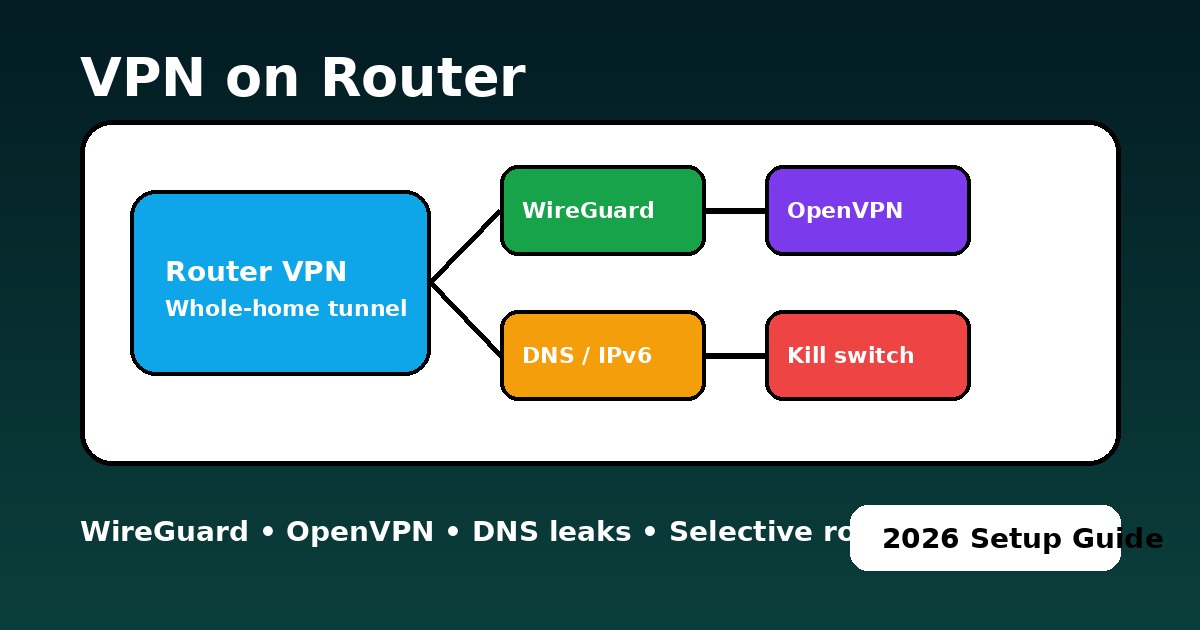
Router VPN guides scare people because the failure mode feels expensive: wrong setting, wrong firmware, wrong protocol, and suddenly the internet in the whole house becomes unstable. That fear is justified, but it is usually solvable with better planning. Think of a router VPN as a network-level decision, not just a "bigger app install". It overlaps with VPN setup basics, security hygiene, and even practical decisions about Smart TV streaming, gaming consoles, and safe fallback rules when you move between networks.
The good news is that the 2026 router landscape is clearer than it used to be. The old "just upload an OpenVPN file and hope" era is over. Today the main question is whether your hardware and firmware can handle the job you want. A family that only wants to send the TV through a US exit for streaming has a very different requirement from a remote worker who wants selective routing, encrypted DNS, and stable latency for video calls. That is why the first step is not configuration. It is choosing the right mode.
| Your goal | Best setup | Expected result |
|---|---|---|
| One or two laptops only | Use the VPN app on the device | Higher speed, easier troubleshooting, less home-network risk |
| Smart TV, Fire TV, console, Apple TV | Router VPN or selective routing | Best whole-device coverage when the hardware cannot run a VPN app well |
| Whole-home privacy | Mid-range or high-end router + WireGuard | Cleaner policy for the house, but only if the router CPU is strong enough |
| Banking apps and local services | Keep direct path or split route them | Fewer false fraud flags, fewer local-network conflicts |
Do not start with a router VPN if your only goal is protecting one phone or one laptop, your router already struggles under load, or you do not want to manage firmware, DNS, IPv6, and kill-switch behaviour. In those cases, a normal app-based VPN is usually faster, simpler, and less fragile.
How much speed do you lose with a VPN on router?
This is the part most router VPN guides underplay. On weak hardware, the tunnel can become the bottleneck long before your ISP link does. A budget router running OpenVPN can lose more than half of the line rate and add ugly latency spikes under load. Mid-range routers usually behave acceptably with WireGuard, while stronger AES-NI or mini-PC class setups can keep the speed penalty surprisingly small. That is why the honest question is not "can my router connect?" but "can it encrypt fast enough for my household?"
| Hardware class | Typical protocol choice | Common speed loss | What it feels like |
|---|---|---|---|
| Budget router | OpenVPN | 40-70% | Buffering, high CPU load, weak gaming and multi-device performance |
| Budget / mid router | WireGuard | 20-45% | Usable for one TV or a few devices, but not a "set and forget" whole-home lab |
| Mid-range router | WireGuard | 10-30% | Usually fine for streaming, remote work, and modest household traffic |
| High-end / AES-NI / mini-PC | WireGuard | 5-15% | The only class that feels close to premium app-level performance across the house |
- Gaming household: router VPN helps only when the hardware is strong and the route is stable. Weak routers often turn "privacy" into packet jitter.
- Streaming household: selective routing is usually smarter than forcing every device through one tunnel.
- Remote worker: keep work and sensitive local services on the cleanest path. Whole-home VPN is not always the safest default.
Router VPN speed predictor: hardware, protocol and 4K readiness
🏠 Router Compatibility & Speed Predictor
Choose your hardware class, target protocol, and what you want the router VPN to do. The widget estimates the likely ceiling and the first thing to fix.
WITHOUT VPN
WITH VPN
- Prefer WireGuard where the firmware supports it reliably.
- Use speed testing after the tunnel is up, not before.
- Verify no DNS or IPv6 leak escapes the router.
- Enable policy routing so only the right devices use the VPN tunnel.
How does a router VPN work for the whole home?
When you configure a VPN client on the router, the router becomes the encrypted exit point for everything behind it. That is why the feature is so attractive for Firestick, PlayStation, YouTube region tests, and household devices that do not support native VPN apps. It is also why mistakes feel bigger: if routing, DNS, or firewall rules are wrong, the entire network inherits the problem.
The most practical mindset is to treat a router VPN as "one policy for many devices". Once you do that, a lot of other articles connect naturally. You start thinking about access control, data protection, device-level VPN fallback, and whether a full router tunnel is better than simply using apps on the devices that actually need it.
WireGuard vs OpenVPN on a router: which is better?
This is the comparison that matters most on router hardware. On desktops, OpenVPN can still be acceptable. On routers, it is often the point where expectations collapse. If you are still learning the bigger picture, see types of VPN protocols and protocol comparisons. But for routers specifically, the practical verdict is usually obvious.
| Metric | OpenVPN (legacy) | WireGuard (2026 standard) |
|---|---|---|
| CPU load | Very high; can generate heat and bottleneck weak routers | Low; far more efficient on home hardware |
| Setup complexity | Higher; certificates and profile handling feel heavier | Medium; key-pair based and cleaner in many modern UIs |
| Latency (ping) | Often 50 ms+ | Often under 10-15 ms extra on capable gear |
| Streaming | 4K can buffer on weaker CPUs | Smoother and more realistic for 4K on multiple devices |
What router hardware do you need for VPN speed?
A lot of "VPN on router is slow" stories are really "I asked a weak router to do strong encryption for the entire house". Budget hardware can still be useful, but the expectations must match the chip inside it. For a basic browsing household, even a small router can be enough. For whole-home privacy, streaming, smart-home devices, and a work laptop all behind one tunnel, mid-range or stronger hardware makes a dramatic difference. This is also where guides like VPN for small business, VPN for remote work, and corporate VPN benefits start overlapping with home networking.
| Router class | Realistic use | Expected result |
|---|---|---|
| Budget router | Light browsing, selective use, one or two low-demand devices | Often 15-20 Mbps with painful OpenVPN bottlenecks |
| Mid-range (Asus RT / GL.iNet) | Daily family use, policy routing, streaming, travel setup | Usually the sweet spot, especially with WireGuard |
| High-end / AES-NI / mini-PC | Heavy streaming, remote work, many devices, low-jitter goals | Strong candidate for near-gigabit router VPN performance |
How to prevent DNS, IPv6 and routing leaks on a router VPN
Three advanced fixes matter more than the average guide admits. First, selective routing: send the TV, streaming stick, or console through the VPN, but keep phones or banking apps on the local connection. This prevents unnecessary friction and avoids the classic "why does my banking app hate my router VPN?" problem. Second, IPv6 leak prevention: if your router or provider does not handle IPv6 correctly, disable it at the router level and then verify the result in the Leak Test Tool. Third, DNS-over-TLS: encrypted DNS at the router level makes your resolver path harder for the ISP to inspect even outside the main tunnel logic.
These same fixes also explain why one-household articles and streaming articles are not separate worlds. A family trying to stabilise Hulu, Netflix, or Disney+ on a Smart TV often ends up learning the same lessons about DNS consistency, protocol choice, and split routing that a home office learns for security.
How to set up a VPN on a router safely
- Confirm the router or firmware actually supports VPN client mode.
- Prefer WireGuard if available; keep OpenVPN for compatibility only.
- Import the profile, connect, and confirm the handshake or tunnel status.
- Enable a hard kill switch or "block traffic if VPN is down".
- Configure selective routing for TVs, boxes, or specific devices.
- Disable IPv6 if your provider or firmware does not support full IPv6 tunnelling properly.
- Test public IP, DNS, and speed before you trust the setup.
Video fallback: watch on YouTube.
Use diagnostic tools before trusting a router VPN
A router control panel can show "connected" while DNS, IPv6 or a single device route is still wrong. Test the tunnel from the user side, not only from the router dashboard.
Common router VPN mistakes and how to avoid them
The first mistake is expecting a budget router to behave like a high-end firewall appliance. The second is assuming the VPN tunnel is enough without checking DNS and IPv6. The third is routing the whole house through the tunnel when only one device needed it. Router VPNs are powerful, but they do not reward guesswork. That is why related articles like VPN not connecting, VPN troubleshooting, VPN vs proxy, and why use a VPN matter even for a router-specific reader.
PAA: VPN on router questions people ask
Updated on May 22, 2026. We refresh this guide as router firmware, protocol support, and consumer hardware performance evolve.
✓ Leak Test referenced for IP / DNS / IPv6 / WebRTC checks
✓ Speed Test referenced for baseline vs router VPN speed comparison
✓ Streaming VPN Diagnostic referenced for Smart TV and service symptoms
✓ Router tunnel logic reviewed against current WireGuard, policy routing and whole-home routing guidance
Verification date: