VPN on iPhone and Android (2026): Fix Disconnects, Leaks and Battery Drain
Mobile VPNs fail in ways desktop users do not expect. Your phone changes radios constantly, suspends apps aggressively, and tries to save battery even when you want maximum persistence. That is why the same person who understands what a VPN is and already knows how VPN tunnels work can still get burned on a phone. The tunnel may look connected while stale sessions survive, notifications take a different path, or the system quietly deprioritises the VPN app.
This is especially important on devices used for public Wi-Fi, mobile banking, remote work, and privacy-sensitive browsing. If your phone is your main computer, "connected" is not enough. You need a tunnel that survives sleep, roaming, and app restarts - and you need to know what to check when it does not.
Check live service status before blaming the mobile VPN
We keep the same live status block from the Hulu standard here because mobile users often misread a route problem as a VPN app problem. If the wider path is unstable, your phone is not always the real culprit.
How to check mobile VPN leaks on iPhone and Android
Mobile Leak Radar
Run a quick visual audit for a typical phone setup.
How to keep a mobile VPN connected after sleep, lock and roaming
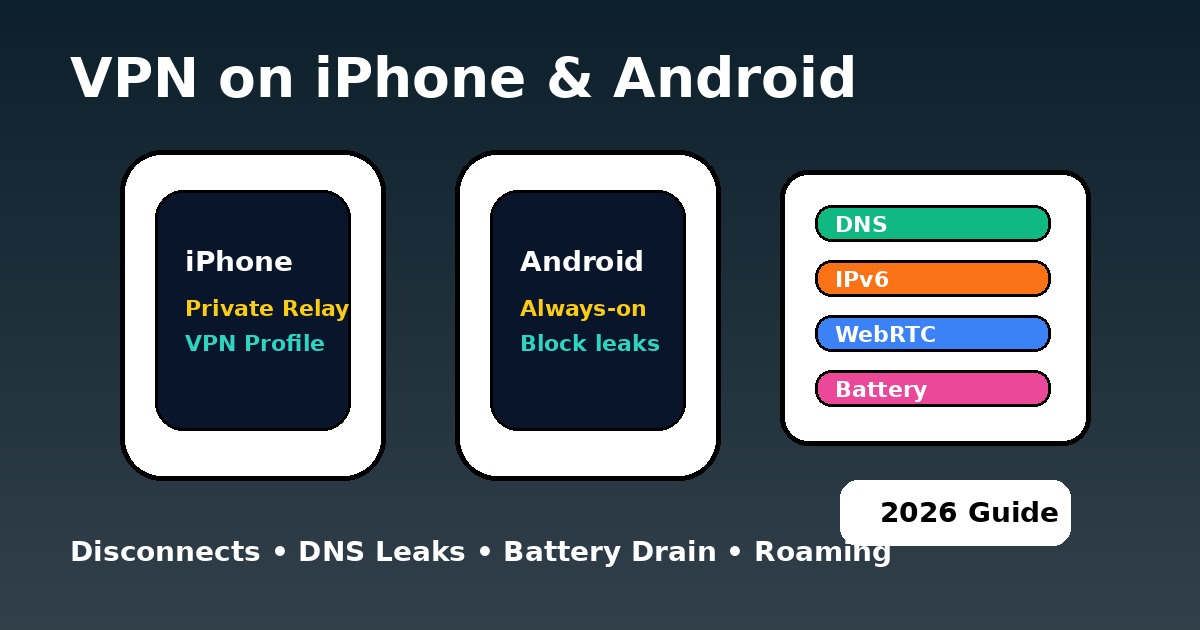
If your VPN drops after sleep, screen lock, or a network switch, start with the operating system - not the provider review pages. Android and iPhone solve persistence in different ways. Android exposes clearer system toggles. iOS is cleaner on the surface but much stricter under the hood. That is why kill switch behaviour, DNS leak protection, VPN error codes, and VPN troubleshooting become mobile topics too.
The Persistence Configurator
Which mobile VPN protocol saves battery: WireGuard, IKEv2 or OpenVPN?
Battery drain is where protocol choice stops being theoretical. On phones, heavy user-space processing and unstable handshakes cost real battery. WireGuard-style protocols are generally better for speed and efficiency. IKEv2 remains excellent when roaming between networks. OpenVPN still has value on awkward networks, but it is not the best daily mobile choice unless you specifically need that behaviour. For a deeper protocol view, compare protocol types, protocol comparisons, and WireGuard vs NordLynx.
The Power-Performance Matrix
iPhone vs Android VPN lockdown settings in 2026
| Feature | iOS 18+ | Android 15+ | Best fit in practice |
|---|---|---|---|
| Native kill-switch style control | 🟡 Stronger via profiles / managed setups | ✅ Clear system toggles | NordVPN / Proton |
| Always-on persistence | 🟡 More restricted | ✅ Excellent | Surfshark / NordVPN |
| Split tunnelling | ❌ Limited at system level | ✅ App-level options | Proton / Surfshark |
| Roaming stability | 🏆 Great with IKEv2 or mature implementations | 🟢 Very good with WireGuard | NordVPN |
| Battery efficiency | 🟢 Strong with efficient protocols | 🟢 Strong if battery rules are relaxed | WireGuard / NordLynx |
| 2026 verdict | Stable but stricter | Flexible and easier to lock down | Choose by your use case |
Use diagnostic tools before trusting a mobile VPN icon
Do not trust the icon alone. Verify your phone setup with our Leak Test Tool, then compare the wider route in the Status Center. If you are chasing stability across devices, it also helps to read VPN for Chromebook, VPN for developers, and VPN for enterprise, because the same routing and persistence habits show up everywhere.
On mobile, connect first, then open the apps you care about. After big network changes, reconnect and retest. That habit fixes more "mysterious" mobile VPN failures than endlessly reinstalling apps.
PAA: mobile VPN questions people ask
Updated on May 22, 2026. We refresh this guide when mobile OS behaviour, protocol defaults, or route stability signals shift.
✓ Leak Test referenced for IP / DNS / IPv6 / WebRTC checks
✓ Speed Test referenced for Wi-Fi vs mobile data speed checks
✓ Streaming VPN Diagnostic referenced for mobile app service symptoms
✓ iCloud Private Relay and Android Always-on VPN sections reviewed against Apple and Google documentation
Verification date: