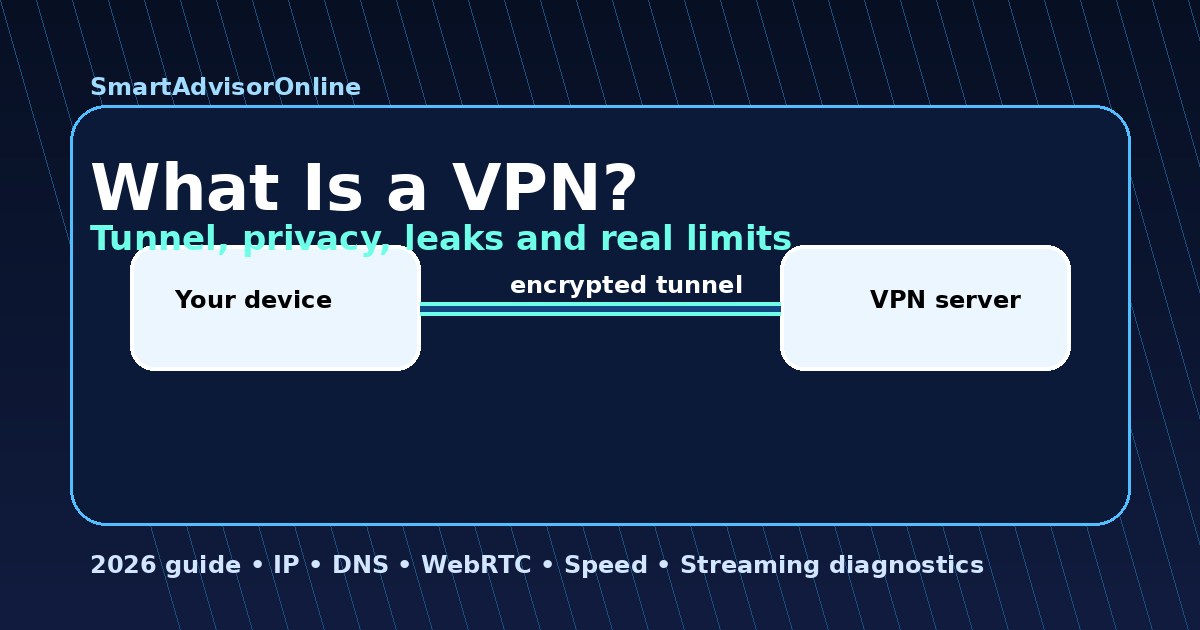
What Is a VPN? (2026): how it works, what it hides, and where privacy really ends
Start here: what a VPN does in one minute
| Question | Simple answer | Example |
|---|---|---|
| What changes? | Your public IP and traffic path. | A hotel Wi-Fi network sees encrypted traffic going to one VPN server. |
| What stays visible? | Accounts, cookies, app logins, payment data, and browser clues can still identify you. | If you log into Netflix, Netflix still knows it is your account. |
| What should you test? | IP, DNS, IPv6, WebRTC, speed, and platform error signals. | Run the Leak Test, then compare speed with the Speed Test. |
The hardest part about explaining a VPN is that most guides stay too shallow. They say "it encrypts your internet" and stop there. In reality, a VPN changes who you trust, who sees your IP, how DNS requests travel, and which protocol overhead you pay for privacy. In 2026, that matters more than ever because the threat model is no longer just a café hacker. It also includes ISP profiling, AI traffic classification, bad hotel Wi-Fi, region-based service gating, and datacenter IP reputation systems.
This guide is built as an interactive blueprint. You'll see the tunnel itself, move your "virtual home" across the map, and compare VPN vs proxy vs Tor in a way that makes the trade-offs obvious. If you want deeper follow-up after this guide, continue with How VPN Works, VPN Encryption Explained, VPN Security Basics, VPN Without Logs, VPN Advantages, VPN Disadvantages, and the VPN Glossary.
Live privacy & streaming status
These live checks are a practical reminder that VPN performance is not theory. It changes with region, protocol, congestion, and service detection patterns. Use this widget as a current signal, then validate your own setup with our leak tools.
How the VPN tunnel works
The important technical word is encapsulation. Your request to a website is not sent "naked" over the local network. It is wrapped inside a secure tunnel packet first. That's why someone on hotel Wi-Fi sees encrypted noise instead of the original website request. Once the packet reaches the VPN server, the outer secure wrapper is opened and the original request continues to the destination.
This changes your trust anchor. Without a VPN, your ISP and local network operators see where traffic goes and can classify a lot of your activity through DNS, SNI patterns, metadata, or simple destination visibility. With a VPN, you trust the VPN provider instead. That does not mean "blind trust". It means you should prefer vendors with independent audits, modern server architecture, and a sane no-logs posture.
Modern protocols like WireGuard rely on lean cryptography such as ChaCha20 + Poly1305. In plain English, that means strong encryption with less overhead than older, bulkier designs. This is one reason why WireGuard-based modes usually outperform traditional OpenVPN while staying secure enough for everyday use, remote work, and media streaming.
Tunnel X-Ray: what gets protected
🛰️ Tunnel X-Ray Lab
Use the transparency slider to reveal what the VPN tunnel protects and what still leaks outside the tunnel.
What the tunnel does
At low transparency, think of the VPN as a sealed armoured tube. Outsiders on your local network do not see the readable website request. They mainly see encrypted traffic flowing to one VPN server.
Virtual location: what changes and what does not
This is where many beginners misunderstand the value of a VPN. The VPN is not teleporting your laptop. It is teleporting your network identity. A website sees the IP and region of the VPN exit server. That's useful for streaming while travelling, price checks, and avoiding simple location-based filtering. It is also why you should understand DNS leak protection and IPv6 leaks before assuming you are fully "in" another country.
🌍 Virtual Location Teleporter
Pick a virtual country and watch how your public network identity changes.
United Kingdom profile
Shortest path and lowest latency if you are physically in Britain. Best for keeping account signals stable and for testing whether a streaming or pricing difference is region-specific.
VPN vs. Proxy vs. Tor: the Comparison Lab
People often throw these tools into one bucket, but they solve different problems. A proxy is mostly a quick mask for one app or one browser path. A VPN is a full tunnel for selected or all traffic. Tor is a layered anonymity network that trades speed for stronger separation. If your goal is day-to-day privacy, streaming, remote work, and safer public Wi-Fi, a VPN is usually the practical middle ground. If your goal is high-risk anonymity research, Tor has a different purpose. If your goal is only changing an IP for one lightweight task, a proxy might be enough.
🚦 Comparison Lab
Switch between the three modes and compare what actually changes.
Proxy
Think of a proxy as a moped with a painted helmet. It can make your visible IP look different for one app, but it is not a full privacy system. It usually does not encrypt your whole device traffic.
Run the basics with real tools
VPN myths vs reality in 2026
| Myth | Reality 2026 | Technical fact |
|---|---|---|
| "A VPN makes me 100% anonymous." | No. Sites still see accounts, cookies, and browser fingerprints. | A VPN mainly hides your IP and encrypts traffic in transit. |
| "Any VPN always slows the internet." | Modern WireGuard-based setups often feel nearly transparent on good links. | Fast servers and lean protocols can keep speed loss very low. |
| "VPNs are only for criminals." | In 2026 they are normal digital hygiene for travel, remote work, and public Wi-Fi. | They reduce ISP visibility and protect traffic on untrusted networks. |
| "Free VPNs are fine for serious privacy." | Usually not. Many free services monetize users through logging, ads, or weak infrastructure. | If you do not pay for the product, your data often becomes part of the business model. |
When do you actually need a VPN?
You need a VPN whenever the local network is untrusted, the ISP should not have direct visibility into your traffic patterns, or the service you use behaves differently by region. That covers airport Wi-Fi, hotels, cafés, shared flats, some remote-work scenarios, and travelling with streaming subscriptions. It can also help when your provider throttles certain traffic classes or when you want a more consistent path for region testing. For practical examples, see VPN for Public Wi-Fi, VPN for Remote Access, VPN for Netflix, and VPN for Anonymity.
You do not need to turn a VPN into mythology. It does not stop phishing, it does not fix reused passwords, and it does not erase everything a browser leaks. That honesty is important, because the best VPN users are the ones who understand where the tunnel ends.
FAQ: what people ask before choosing a VPN
Updated on 20 May 2026. We refresh this guide as protocols, browser behavior, and practical VPN testing evolve.
✓ Leak Test (IP / DNS / IPv6 / WebRTC)
✓ Speed Test (baseline vs VPN connection quality)
✓ Streaming VPN Diagnostic (IP, DNS, WebRTC, timezone and platform error patterns)
✓ Live Streaming Status (service reachability and reliability)
Verification date: